🚀 Launch Your MVP & Get a Free 5-Page Marketing Website – Limited Time Offer!
Claim Your Free Website

10 No-Code Tools for Automated Data Dashboards
Entrepreneurship
Created:
Nov 24, 2025
Updated:
Dec 18, 2025
Explore the top 10 no-code tools for creating automated data dashboards, making data insights accessible for businesses of all sizes.

In 2025, creating automated data dashboards no longer requires coding skills, thanks to no-code tools. These platforms simplify data visualization with drag-and-drop interfaces, AI-powered features, and integrations with popular data sources. They save time, reduce costs, and make data insights accessible to startups and businesses of all sizes. Here's a quick look at 10 standout tools:
BlazeSQL: AI-driven insights through natural language queries; integrates with SQL databases.
Power BI: Popular for its advanced analytics, real-time insights, and Microsoft ecosystem compatibility.
Zoho Analytics: Offers over 500 integrations and an AI assistant for predictive analytics.
Airtable: Combines spreadsheet simplicity with database functionality, great for small teams.
Softr: Transforms Airtable/Google Sheets data into interactive dashboards and web apps.
Noloco: Builds client portals and dashboards with real-time updates and user permissions.
Metabase: Open-source option for self-hosted or managed dashboards with SQL support.
Julius: AI-powered automation for creating and maintaining dashboards effortlessly.
Caspio: Enterprise-focused, compliance-ready dashboards with strong security features.
918 Studio: Custom no-code solutions tailored to startups, delivered in under 45 days.
These tools cater to various needs, from startups on a budget to enterprises handling complex data. Below is a quick comparison of their features and pricing.
How To Turn Excel Data Into a Live Dashboard With AI (No Code)
Quick Comparison
Tool | Key Features | Starting Price (USD) | Best For |
|---|---|---|---|
BlazeSQL | AI queries, SQL integration | Custom quotes | Fast insights, SQL users |
Power BI | Real-time analytics, AI tools | $10/user/month | Enterprise reporting |
Zoho Analytics | AI assistant, 500+ integrations | $30/month (2 users) | Multi-source data analysis |
Airtable | Spreadsheet-database hybrid | $20/user/month | Small team dashboards |
Softr | Web app builder, easy setup | $49/month | Client portals, startups |
Noloco | Role-based access, real-time sync | $49/month | Internal workflows, agencies |
Metabase | Open-source, SQL support | Free / $85/month | Self-hosted analytics |
Julius | AI-powered automation | Custom quotes | Automated reporting |
Caspio | Secure, compliant dashboards | $50/month | Healthcare, finance |
918 Studio | Fully custom AI dashboards | Custom quotes | Startup MVPs, SaaS development |
Choose the tool that aligns with your budget, data needs, and team size to streamline your reporting process and make data-driven decisions easier.
1. BlazeSQL
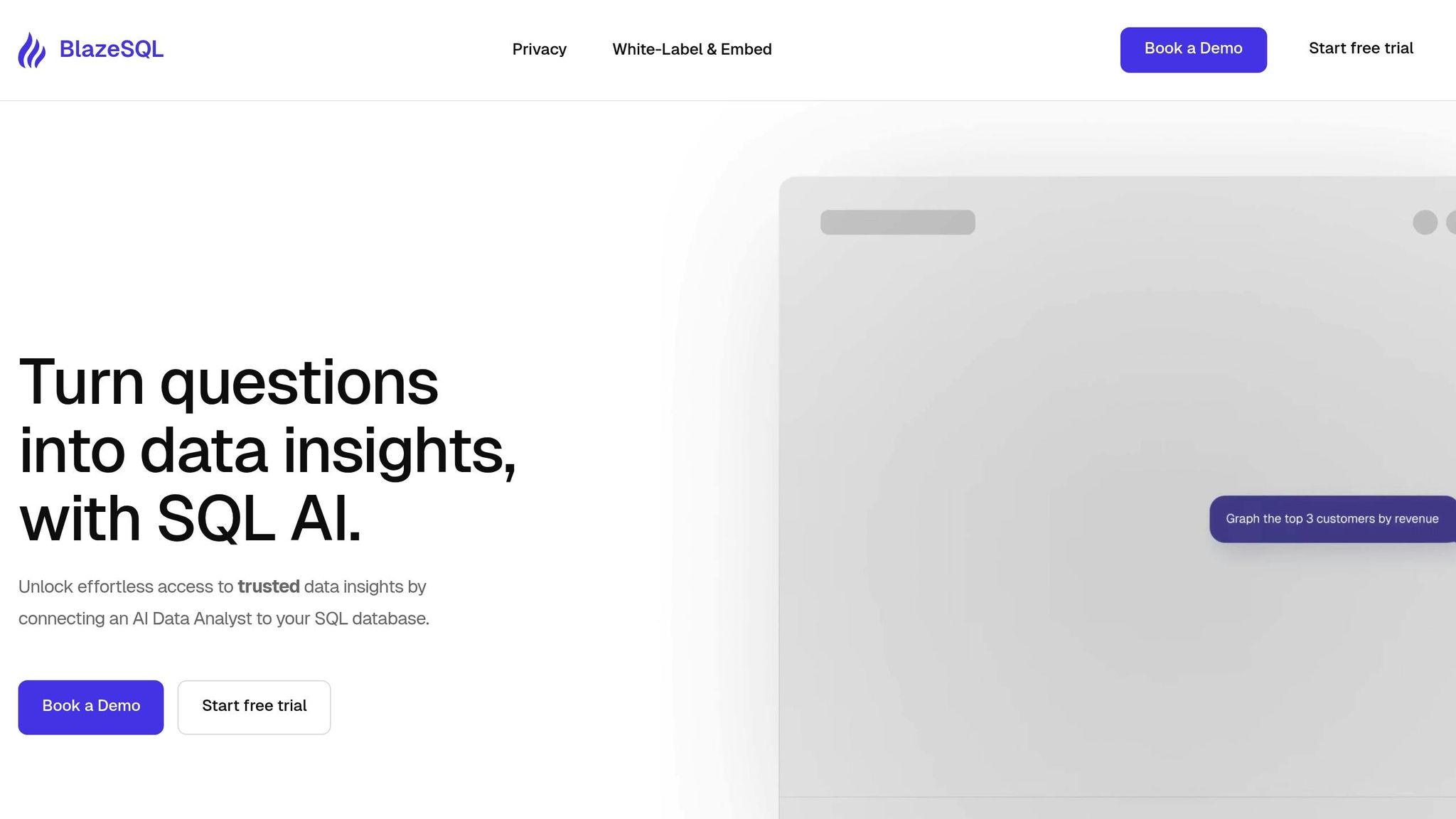
BlazeSQL takes the concept of no-code dashboards to the next level by using AI to deliver instant, actionable insights. It simplifies data analysis with automation and natural language processing, making it accessible even to those without technical expertise.
AI-powered automation
The highlight of BlazeSQL is its AI Chat interface, which works like a "Personal Data Analyst." Users can type plain English questions, and the platform translates them into SQL, runs the queries, and presents the results in easy-to-understand visuals. For instance, a business executive could ask, "What were our sales trends last quarter?" and instantly receive a detailed chart - no coding required.
Data source integrations
BlazeSQL seamlessly connects with major SQL databases, including Snowflake, PostgreSQL, MySQL, Microsoft SQL Server, AWS Redshift, and Google BigQuery. This allows it to integrate with existing data infrastructures in just minutes.
Customization options
The platform offers a drag-and-drop builder and a one-click report generator, enabling users to create personalized visualizations. It also includes role-based controls and encrypted sharing options, ensuring secure and tailored data access.
Pricing (USD)
While BlazeSQL hasn’t disclosed specific pricing publicly, it’s marketed as a budget-friendly and scalable solution for startups and growing businesses. For exact pricing, users are encouraged to reach out to the sales team. Additionally, the desktop app prioritizes data privacy by storing row-level data on-premises, sending only table and column names to the AI.
Next, let’s explore another top no-code tool for automated dashboards.
2. Power BI
Microsoft's Power BI stands out as one of the most popular no-code dashboard platforms, used by over 250,000 organizations worldwide - including a staggering 97% of Fortune 500 companies. This tool transforms raw data into sleek, interactive dashboards, making it an excellent choice for startups and growing businesses that need professional analytics without the hassle of coding.
AI-Powered Automation
Power BI's Copilot feature and low-code AutoML make data analysis incredibly accessible. Users can simply type queries like "Show me sales performance for Q4 2025", and the platform generates visualizations, reports, and even DAX formulas instantly. These tools handle complex tasks like forecasting and classification, allowing teams without technical expertise to uncover trends and patterns effortlessly.
Data Source Integrations
Power BI is built to work seamlessly across a wide range of data sources. With support for over 500 connectors, it integrates smoothly with Excel, cloud applications, and on-premises databases. It also works natively with Azure, Dynamics 365, and Office 365, making it easy to consolidate data from multiple sources into real-time, comprehensive reports.
Customization Options
The platform offers a drag-and-drop interface, pre-built templates, and role-based controls, making customization straightforward. Users can tweak layouts, add company branding, and create tailored dashboards - all without writing a single line of code. These features, combined with flexible pricing, make it adaptable for businesses of all sizes.
Pricing (USD)
Power BI offers several pricing plans to cater to different needs:
Power BI Desktop (Free): Basic dashboards with limited sharing capabilities.
Power BI Pro ($10/user/month): Includes advanced features, collaboration tools, and cloud storage.
Power BI Premium ($20/user/month or $4,995/month for capacity-based): Designed for enterprise-level analytics, handling large data volumes.
Reputation and Reviews
Power BI enjoys a stellar reputation, with a 4.5/5 rating on Gartner Peer Insights based on over 10,000 reviews. Users frequently highlight its user-friendly interface, powerful visualizations, and seamless integration with other Microsoft tools. Like other tools in this guide, Power BI equips businesses with actionable insights while eliminating the need for complex coding. Up next, we’ll explore another tool that’s reshaping the analytics landscape.
3. Zoho Analytics
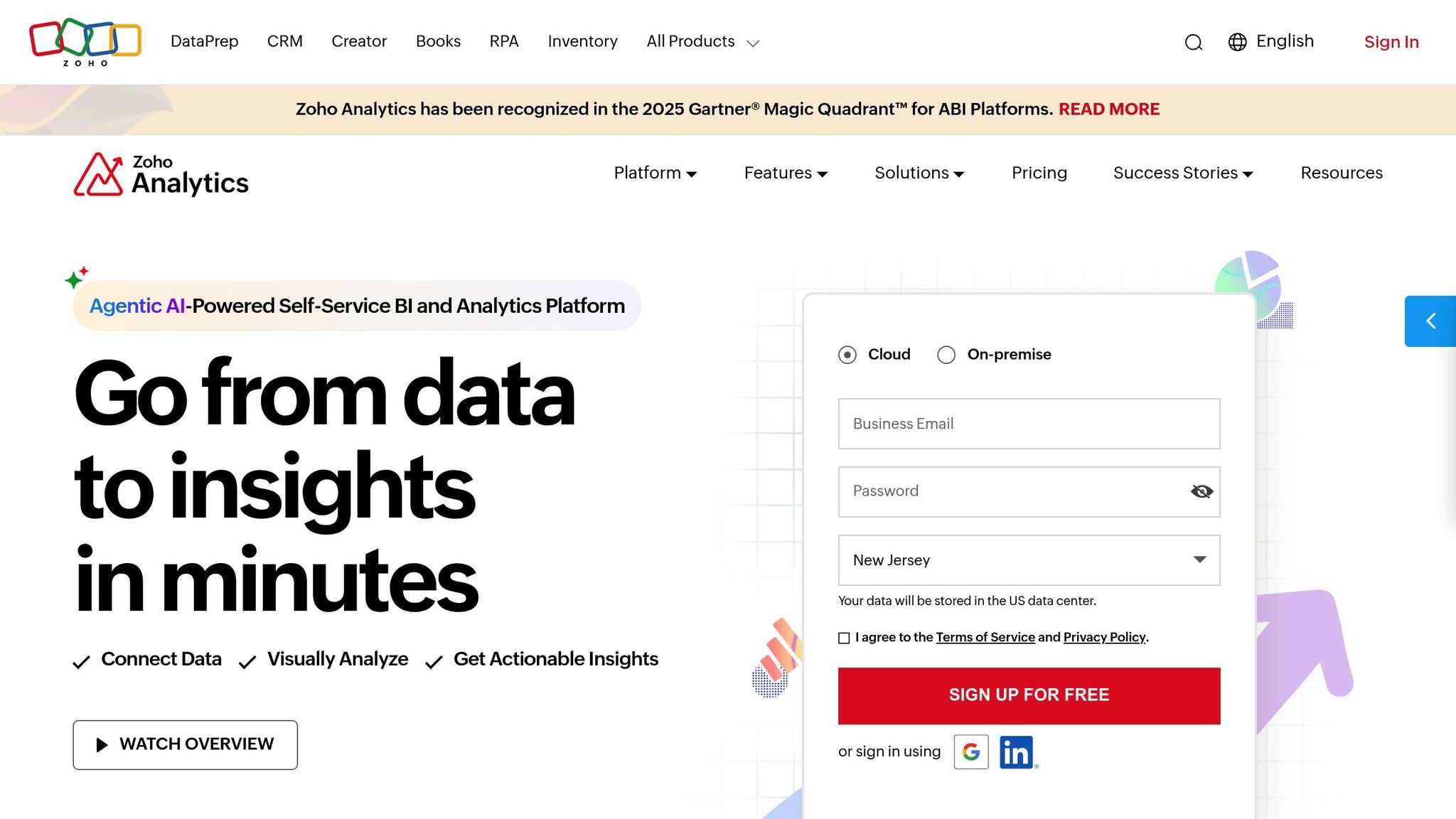
Zoho Analytics uses AI-driven tools to turn raw data into practical insights. With over 500 native integrations and its smart assistant, Zia, it simplifies the process of creating detailed dashboards, even for non-technical users.
AI-Powered Automation
One of Zoho Analytics’ standout features is Zia, its AI assistant. Zia can understand natural language queries like, "What were our top-selling products last quarter?" and instantly generate charts, highlight trends, and even predict changes. Beyond that, Zia detects anomalies and pinpoints key performance factors, helping teams address problems or seize opportunities early on. This level of automation ensures smoother data operations and faster decision-making.
Data Source Integrations
Zoho Analytics connects seamlessly with a wide range of tools, including Zoho CRM, Google Sheets, Salesforce, HubSpot, and various SQL/NoSQL databases. Its drag-and-drop interface and pre-built connectors make it easy for anyone - no IT expertise required - to sync data from multiple sources. Whether it’s e-commerce, marketing, or financial systems, you can merge data into unified dashboards that refresh automatically. Plus, the platform offers flexible customization to shape dashboards around your specific needs.
Customization Options
The dashboard builder in Zoho Analytics is highly flexible. You can select from various chart types, apply filters, and even adjust themes or add branding elements. Without needing to code, you can create custom formulas and calculated fields tailored to your business. Features like conditional formatting and role-based access controls ensure every team member gets the data that’s most relevant to them - whether it’s a high-level executive summary or detailed operational metrics.
Pricing (USD)
Zoho Analytics offers a range of pricing plans designed to fit different business needs. The Basic plan starts at $30 per month (billed annually) and includes 2 users with a data capacity of 0.5 million rows. Higher-tier plans provide support for additional users, larger data limits, and advanced features like white-labeling and API access. For those wanting to test the waters, a free trial is available to explore its features before committing. Pricing is displayed in U.S. dollars, making it straightforward for American businesses to budget for their analytics tools. Zoho Analytics manages to combine powerful features with affordability, making it an appealing choice for small and mid-sized businesses.
4. Airtable
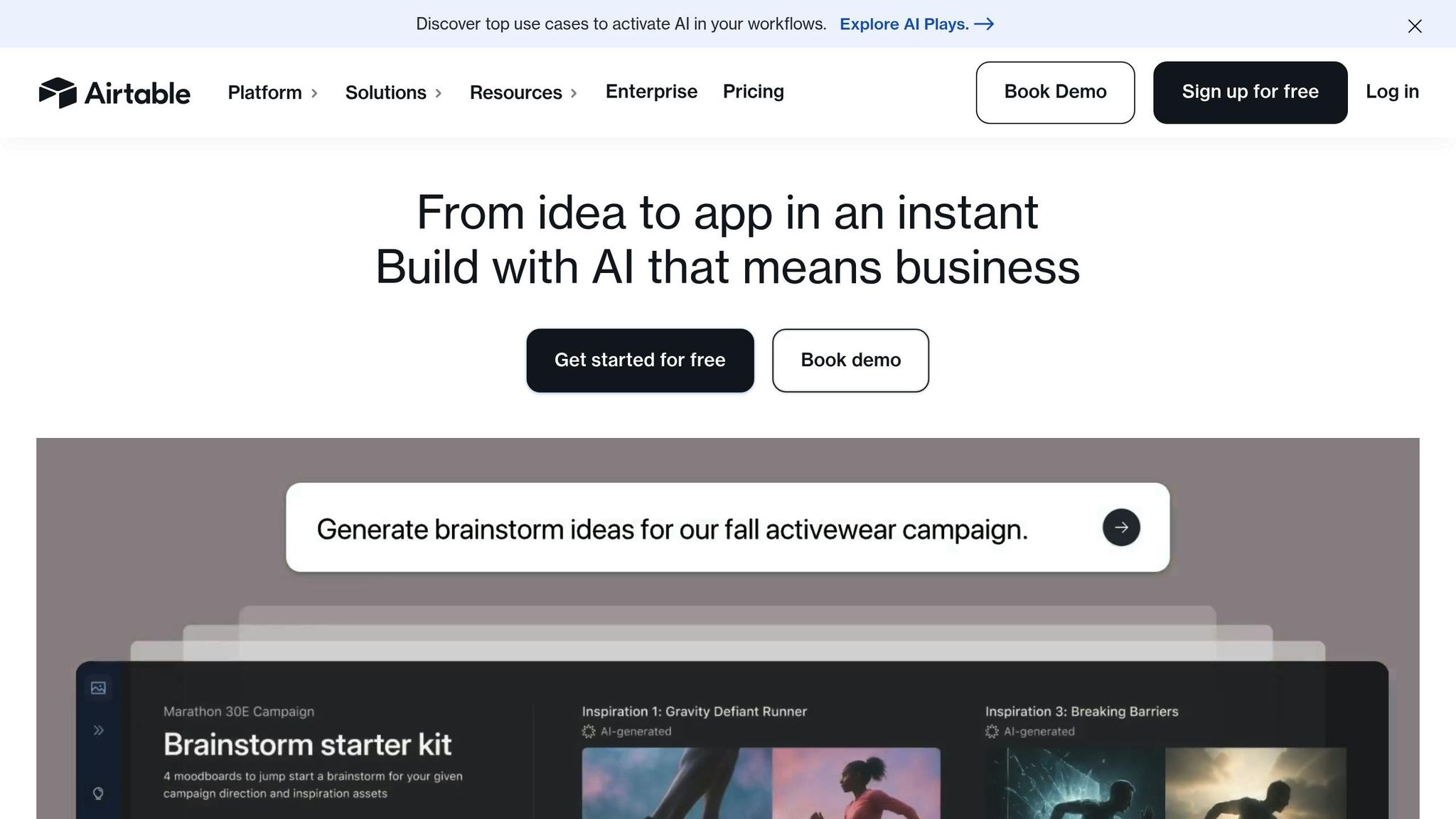
Airtable combines the simplicity of spreadsheets with the power of databases, all wrapped up in an easy-to-use interface. Its intuitive drag-and-drop tools and robust features make creating automated dashboards a breeze for teams.
Data Source Integrations
Airtable connects seamlessly with over 500 business apps and databases, including big names like Google Sheets, Salesforce, Slack, MySQL, and PostgreSQL. Whether you're using its built-in connectors or third-party tools like Zapier and Make, Airtable ensures your dashboards stay up-to-date with real-time data from various sources.
You can effortlessly pull data from CRMs, accounting software, and analytics platforms into one centralized dashboard. This integration not only saves time but also minimizes manual entry errors.
Customization Options
Airtable offers a variety of ways to tailor your workspace. You can choose from different view types like Grid, Kanban, Calendar, and Gallery to organize your data. It also allows you to set up custom field types, ranging from simple text and numbers to more complex formulas and file attachments. Filters, groupings, and calculated fields further enhance how you manage and display your data.
Features like conditional formatting and advanced permission settings ensure that users only see the data they need, keeping everything secure and relevant.
AI-Powered Automation
Repetitive tasks become a thing of the past with Airtable's Automations. You can set up triggers and actions to automatically update records, send notifications, or sync data with other tools when specific conditions are met. Plus, Airtable works seamlessly with third-party AI tools to handle tasks like categorizing customer feedback, updating project statuses, or alerting you when metrics hit critical thresholds.
Pricing (USD)
Airtable's pricing is designed to suit teams of all sizes. The free plan offers basic features with limited records and storage - perfect for small projects or individuals. The Plus plan, priced at $20 per user per month (billed annually), offers more storage, higher record limits, and better integration options. For those needing advanced tools, the Pro plan costs $45 per user per month (billed annually) and includes sophisticated automation, greater customization, and priority support. Enterprise users can request custom pricing, which includes advanced security, administrative controls, and dedicated account management. All prices are in U.S. dollars, with annual billing and discounts available for larger teams.
5. Softr
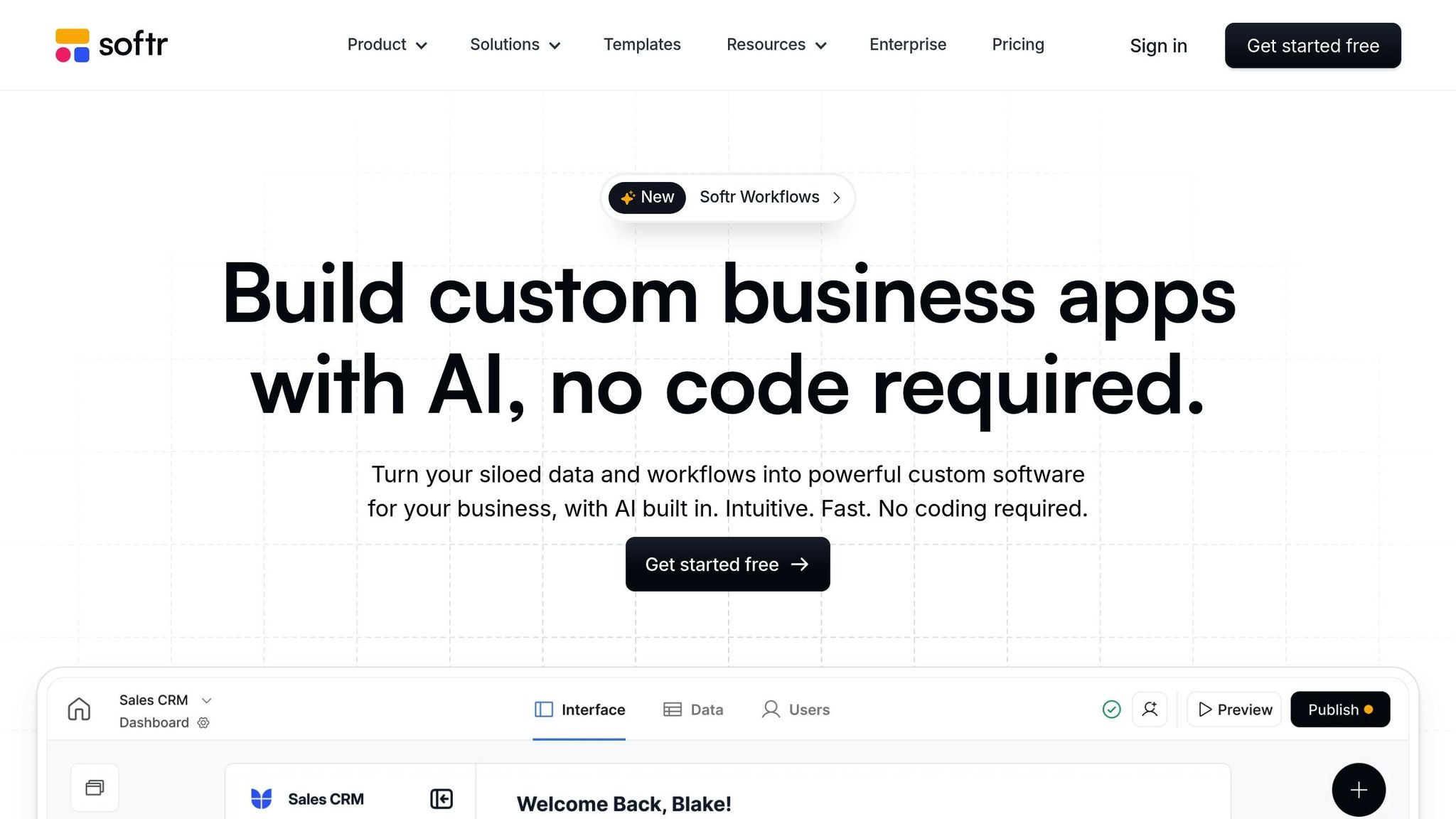
Softr takes Airtable's powerful data integrations and adds a layer of simplicity for creating interactive web apps. With its drag-and-drop interface, it makes building dashboards and web apps a breeze - no coding required. Whether you're creating a professional dashboard or an interactive app, Softr lets you transform your data into something dynamic and functional in no time.
Customization Options
Softr offers flexibility through its modular block system. You can choose from a variety of pre-built templates and tweak them to fit your needs using blocks for charts, tables, and filters. Want to show specific data to different users? Softr allows conditional visibility based on user roles, so only the right people see the right information.
You can also adjust colors, fonts, and layouts to align perfectly with your brand. Integrated user authentication ensures that sensitive data stays secure, accessible only to authorized team members or clients. Plus, you can build custom workflows and set up automated actions directly within your dashboards, making it easier to interact with and update your data in real time. This seamless integration makes data reporting smooth and efficient.
6. Noloco
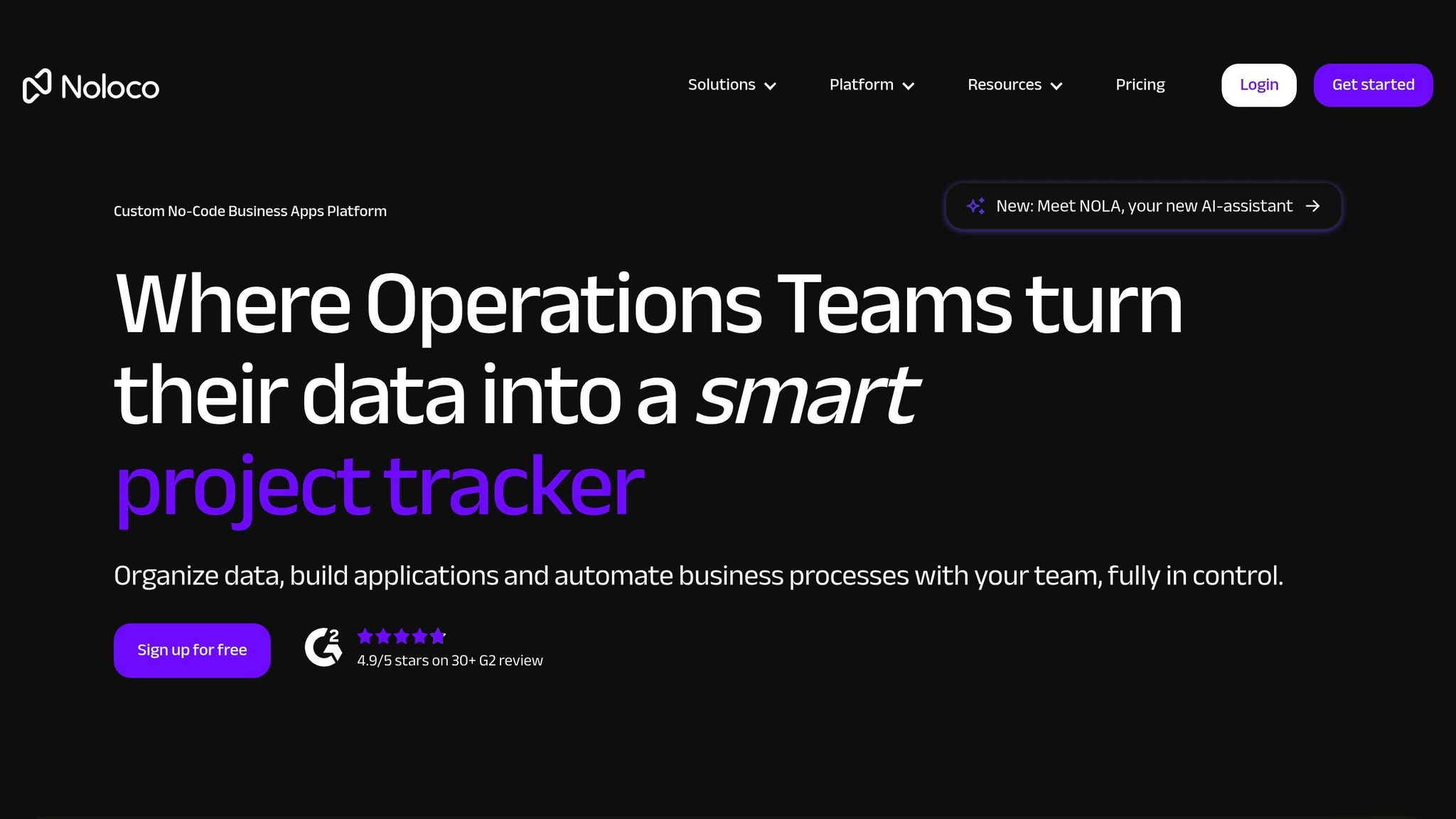
Noloco turns your spreadsheets and databases into interactive dashboards and client portals with ease. This no-code platform is designed to create secure, role-based access systems, allowing you to share live data with your team or clients while keeping sensitive information protected. Whether you're managing internal workflows or updating clients on projects in real time, Noloco’s user-friendly interface makes building dashboards both simple and efficient.
What sets Noloco apart is its ability to transform existing data sources into professional-grade business apps in no time. From basic reporting dashboards to advanced client portals that sync automatically with your data, Noloco streamlines data sharing while maintaining strong security measures. Let’s dive into how Noloco’s integrations, customization features, and automation tools make it a standout choice.
Data Source Integrations
Noloco works seamlessly with tools you already rely on. It integrates with Airtable, Google Sheets, PostgreSQL databases, and REST APIs, creating a centralized hub for all your data. The process is straightforward: authenticate your account, select the tables or fields you need, and watch your data populate custom dashboards instantly.
The platform ensures that dashboards update in real time, matching changes in your original data source. This eliminates the need for manual updates and guarantees that stakeholders always have access to accurate, up-to-date information. Plus, Noloco’s integration with Zapier opens the door to connecting virtually any web service, enabling even more automation possibilities.
Customization Options
Noloco doesn’t just integrate your data - it lets you make it your own. You can design branded client portals using your company’s colors, logos, and styling, ensuring a polished and consistent look across all client-facing materials. The platform also offers detailed permission controls, so you can tailor access to specific users or groups.
Its automation builder takes customization a step further by allowing you to set up workflows triggered by data changes. For example, you can configure automatic notifications when key metrics are reached, update records across connected systems, or schedule reports to be generated and sent out automatically. These background automations save time and ensure that critical updates are never overlooked.
Pricing (USD)
Noloco’s pricing is designed to fit businesses of various sizes and needs:
The Starter Plan costs $49 per month (billed annually) and includes core features, basic integrations, and support for up to 10 users. This plan is ideal for small teams just getting started with automated dashboards.
The Pro Plan is priced at $99 per month (billed annually) and supports up to 25 users. It offers advanced permissions, enhanced automation capabilities, and access to more integrations.
For larger organizations, the Business Plan costs $249 per month (billed annually). This tier supports up to 100 users and includes premium support, advanced security options, and full custom branding.
All plans come with a free trial, so you can explore Noloco’s features before committing.
7. Metabase
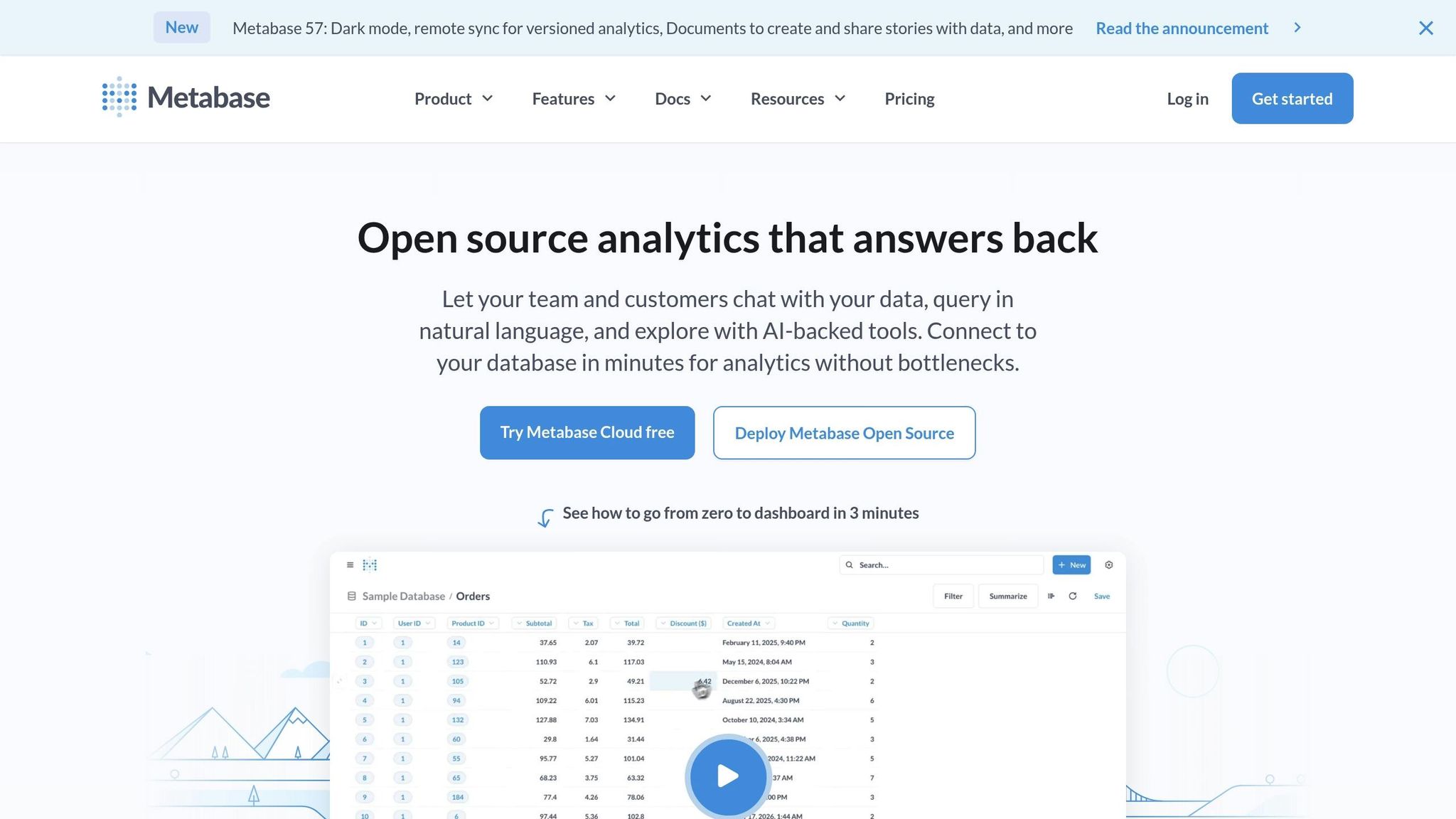
Metabase is an open-source business intelligence platform designed to simplify data analysis. With its no-code approach, it transforms complex datasets into actionable dashboards using a user-friendly drag-and-drop interface and natural language query capabilities. You can either self-host the free open-source version or choose their managed cloud solution for added convenience.
By 2025, Metabase is expected to be trusted by over 30,000 organizations, including big names like Dribbble, Stack Overflow, and Patreon. Let’s dive into how Metabase connects with various data sources and provides flexible customization options.
Data Source Integrations
Metabase makes it easy to centralize data by connecting to a wide range of sources. It supports popular SQL databases like MySQL, PostgreSQL, SQL Server, and SQLite, as well as major cloud data warehouses such as Google BigQuery, Amazon Redshift, and Snowflake. For businesses using NoSQL databases, Metabase also offers compatibility, giving organizations the freedom to design their data architecture as needed.
Once integrated, data updates automatically, ensuring dashboards always display the latest information.
Customization Options
Metabase goes beyond just data connections by offering a variety of customization features. You can create visualizations using different chart types, including bar graphs, line charts, pie charts, and scatter plots. Interactive filters allow users to dive deeper into specific data segments, while custom layouts ensure dashboards fit seamlessly into your workflow.
For added flexibility, Metabase’s embedding functionality lets you integrate dashboards into other web applications or internal tools. If you need more advanced options, you can also write custom SQL queries to tailor your data analysis further.
Pricing (USD)
Metabase provides a pricing model that suits a variety of budgets and organizational needs.
The open-source version is completely free and self-hosted, making it an ideal choice for startups or small businesses aiming to save on costs while still accessing powerful tools.
For those who prefer a managed solution, Metabase Cloud offers two tiers:
Starter Plan: Priced at $85 per month (billed annually), this plan supports up to 5 users and includes unlimited dashboards, basic support, and cloud hosting.
Pro Plan: At $500 per month (billed annually), this option accommodates up to 20 users and adds advanced permissions, audit logs, and priority support.
For larger enterprises, custom pricing is available, offering enhanced security, compliance tools, and dedicated support tailored to specific needs.
8. Julius
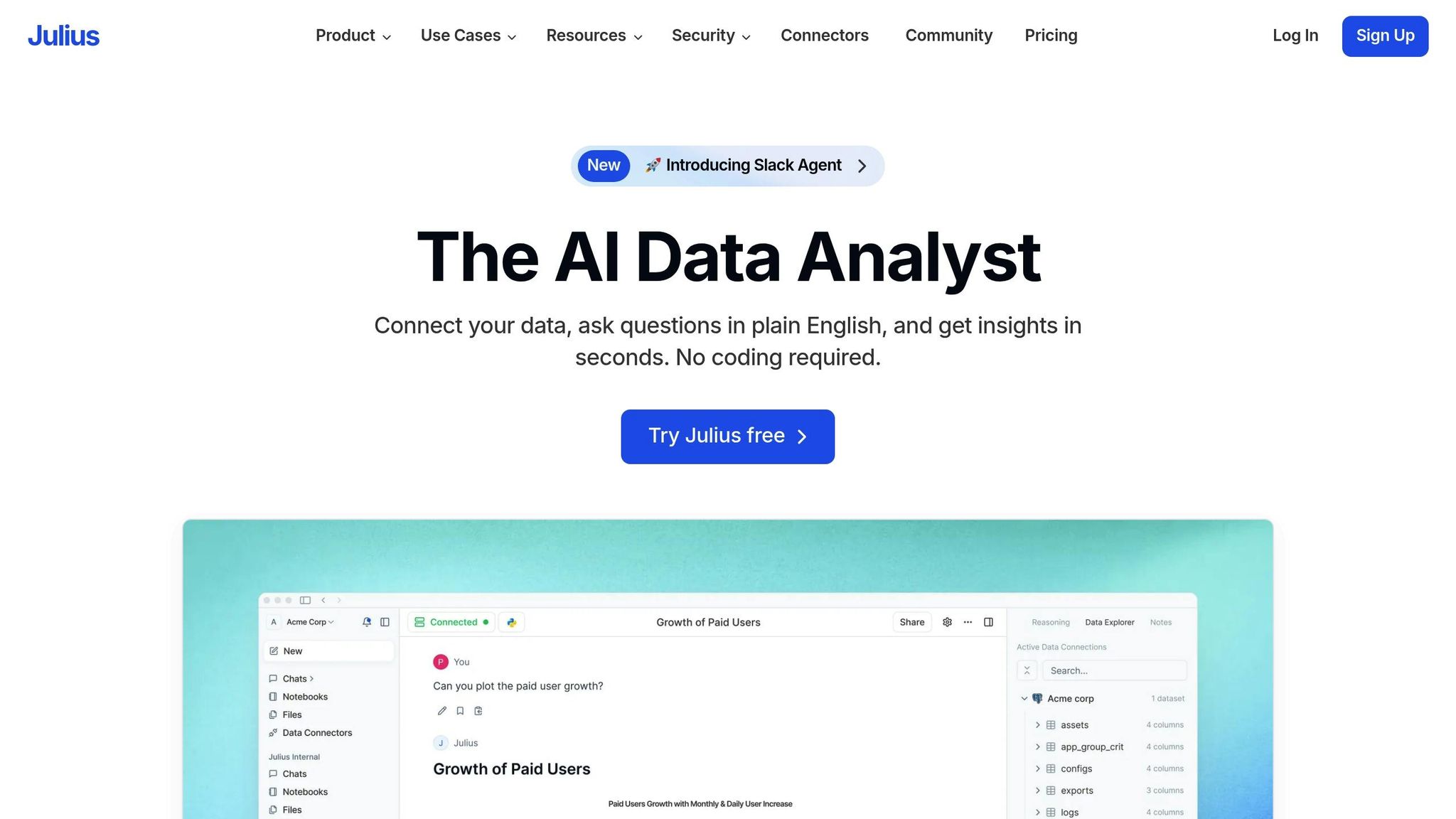
Julius takes automation and customization to the next level with its AI-driven features. It's a no-code platform designed to simplify dashboard creation for non-technical users. By automating data connections, generating visualizations, and handling maintenance, Julius makes managing data more accessible and efficient.
AI-Powered Automation
Julius changes the game for dashboard creation with its intelligent automation. It doesn’t just create visualizations - it selects the best chart types based on your data patterns, highlights trends, and flags anomalies in real time. This proactive approach keeps teams informed and ready to act on insights quickly.
The platform continuously monitors metrics and sends alerts about significant changes or emerging opportunities. With Julius, you’re not just tracking data - you’re staying ahead of it.
Data Source Integrations
Connecting your data to Julius is simple and doesn’t require any coding. The platform supports SQL databases like MySQL and PostgreSQL, as well as tools like Google Sheets and other business applications. Guided workflows make the integration process seamless, and once connected, Julius automatically syncs updates. This ensures your dashboards always reflect the latest data from your sources.
Customization Options
Julius gives users the freedom to tailor dashboards to their exact needs. Its drag-and-drop builder makes it easy to arrange visualizations, tweak layouts, and adjust chart styles to suit specific reporting goals or branding requirements.
The platform also includes interactive filtering options, allowing users to dive into specific data segments or time frames. This flexibility ensures that dashboards are useful for a variety of stakeholders, each with their own focus areas.
For those needing more advanced options, Julius supports personalized metric displays and custom styling, helping your dashboards align perfectly with your organization’s visual identity.
Pricing (USD)
Julius offers pricing plans that cater to different needs, all billed in U.S. dollars.
There’s typically a free tier available, which is great for small teams or startups to explore the platform without upfront costs. Paid plans generally range from $20 to $50 per month, unlocking advanced AI tools, more data integrations, and enhanced collaboration features. For larger organizations, custom pricing options are available, offering enterprise-level security, dedicated support, and administrative controls tailored to complex needs.
9. Caspio
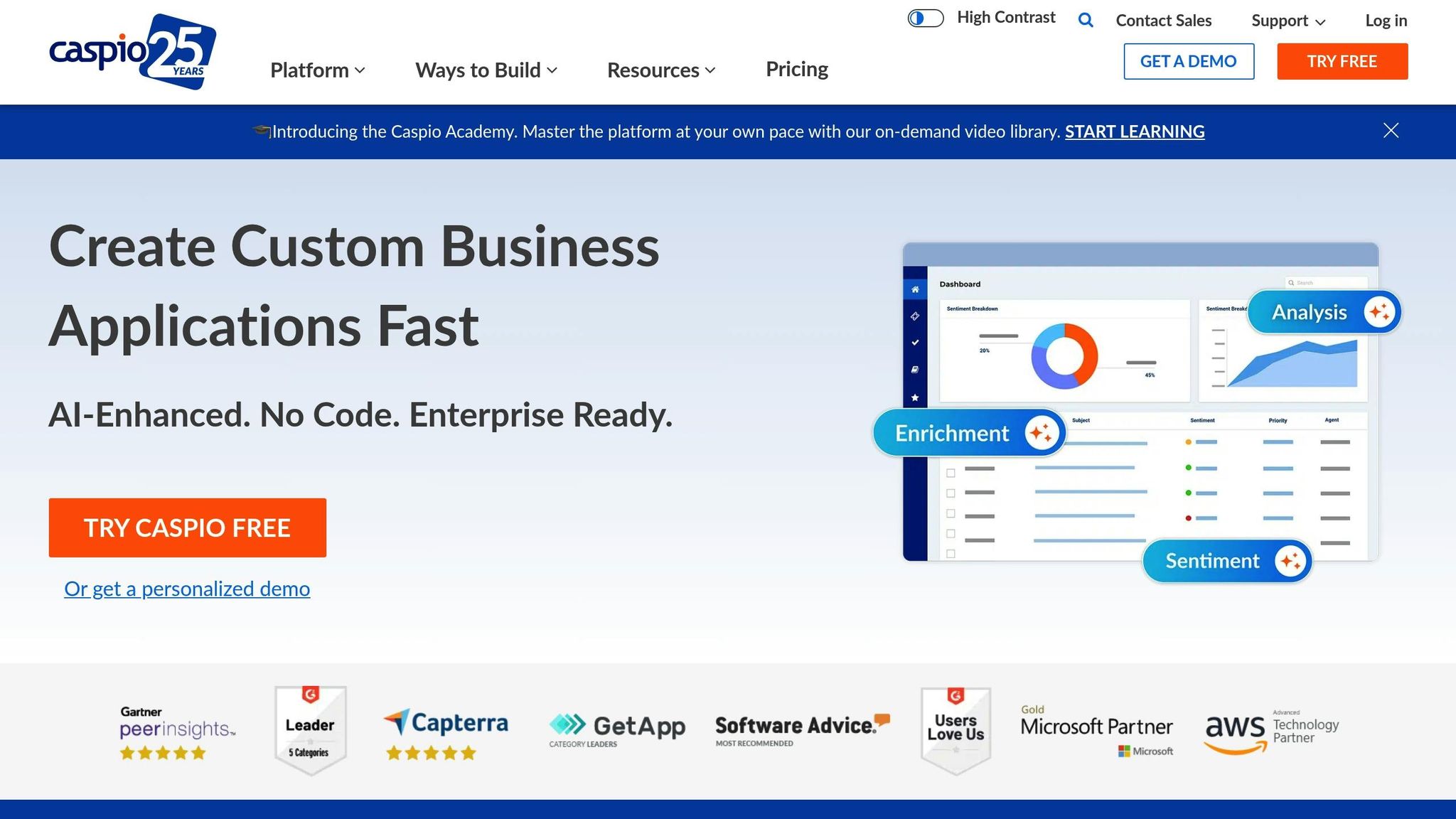
Caspio is a well-established no-code platform designed for creating automated dashboards. With a customer base of over 15,000 organizations spanning industries like healthcare, government, education, and financial services, it has earned a reputation for providing secure and compliant solutions tailored to enterprise needs.
Caspio focuses on quick deployment and scalability, allowing startups and businesses to build and launch dashboards without requiring any programming expertise.
Data Source Integrations
One of Caspio's strengths is its ability to integrate with a variety of data sources. It supports connections to MySQL, SQL Server, Excel, Google Sheets, cloud storage services, and REST APIs. These built-in connectors simplify the process by syncing data automatically, ensuring your dashboards always reflect real-time updates.
This capability is a game-changer for businesses managing data from multiple sources. Whether you're pulling sales metrics from a CRM, financial data from accounting software, or operational stats from other applications, Caspio brings it all together. This seamless integration creates a foundation for building personalized, branded dashboards that meet specific business needs.
Customization Options
Caspio offers a high level of customization, enabling businesses to design dashboards that align perfectly with their branding and operational goals. Its drag-and-drop builder allows users to arrange widgets, tweak layouts, and craft views tailored to their team's requirements. You can select from various chart types - bar, line, pie, and more - and adjust colors, fonts, and logos to reflect your brand identity. Role-based access controls ensure that team members only see the data they need.
A standout feature is the platform's white-labeling capability, which lets users embed dashboards into websites or internal portals. This makes sharing insights with teams or clients effortless. These customization tools cater to the growing demand for no-code solutions, offering businesses a quick and cost-effective way to deploy dashboards.
Pricing (USD)
Caspio's pricing structure is tiered and scalable, starting at $50 per month for the Basic plan, $200 per month for the Professional plan, and $400 per month for the Business plan. Each tier includes progressively more storage, user access, and advanced features. All plans come with a free trial and no setup fees, making it easy to test the platform before committing. For larger organizations with specific needs, enterprise pricing is available, offering tailored configurations.
The platform also prioritizes security, with HIPAA, GDPR, and SOC 2 compliance included across all pricing tiers. This makes it a strong choice for industries that handle sensitive data.
Additionally, annual subscriptions may come with discounts, and there are options designed to help startups adopt automated dashboards while staying within budget.
10. 918 Studio
918 Studio specializes in building custom automated data dashboards, focusing on AI-powered, no-code, and low-code solutions designed specifically for startups and businesses. Their dashboards are built to seamlessly integrate with existing workflows and adapt as companies grow.
Known for their efficiency, 918 Studio delivers fully functional solutions in as little as 45 days. Their process emphasizes removing development roadblocks through AI, enabling businesses to achieve highly tailored dashboards that meet unique operational needs.
AI-Powered Automation
918 Studio uses AI-driven automation to simplify data processes, support natural-language queries, and provide predictive analytics that go beyond simple visuals. This reduces manual tasks and speeds up decision-making for teams.
Their AI tools can generate insights automatically, schedule reports, and trigger actions when data changes. For instance, a US-based SaaS startup worked with 918 Studio to create an automated dashboard that integrated data from their CRM, marketing platforms, and financial systems. This dashboard delivered real-time insights into customer acquisition, churn rates, and revenue trends, cutting manual reporting time by over 50%.
The AI features also enhance user experience by predicting behavior patterns and dynamically adjusting dashboard layouts and data presentations for better usability and engagement.
Data Source Integrations
918 Studio offers seamless integration with a variety of data sources, including SQL databases, cloud data warehouses, and widely used business tools like Google Sheets, Excel, and third-party apps. Supported platforms include MySQL, PostgreSQL, Microsoft SQL Server, Snowflake, BigQuery, and AWS Redshift.
Whether businesses rely on cloud-based or on-premises systems, 918 Studio ensures data from multiple platforms can be centralized into a single dashboard. This eliminates data silos and provides a comprehensive view of business performance across all departments.
Customization Options
The customization options at 918 Studio go far beyond tweaking templates. Their drag-and-drop builder allows businesses to fully tailor dashboards to their operational and branding needs.
Role-based access controls ensure team members view only the data relevant to their roles, while embedded analytics make it possible to integrate dashboards directly into websites or internal portals. Dashboards can be personalized with branded templates and interactive elements - all without requiring coding expertise.
Pricing (USD)
918 Studio uses a custom-quoted pricing model, with costs determined by factors like project scope, dashboard complexity, number of integrations, and the level of ongoing support required.
Basic dashboards typically start at several thousand dollars, while more advanced AI-powered solutions with extensive integrations and features are priced higher to reflect their added value. Pricing can include fixed fees for initial development, monthly subscriptions for maintenance, or tiered packages designed to accommodate startup budgets.
Since pricing details are not publicly available as of November 2025, businesses are encouraged to schedule a consultation for a detailed quote. This personalized approach ensures that each client receives a solution tailored to their needs and budget, whether they’re a startup or an established enterprise.
This concludes our list of no-code tools. Check out the following tool comparison chart for a summary of features and pricing options.
Tool Comparison Chart
Automated no-code dashboards have transformed data reporting, offering tools tailored to a variety of needs. Below is a comparison chart summarizing the standout features, pricing, best use cases, and limitations of 10 popular no-code dashboard tools.
Tool | Key Features | Pricing (USD) | Best Use Cases | Main Limitations |
|---|---|---|---|---|
BlazeSQL | AI natural language queries, drag-and-drop builder, SQL database support, on-premises privacy | Custom quotes | Fast insights for executives, ad hoc analysis | 300-table cap per connection, limited advanced AI on lower plans |
Power BI | Drag-and-drop visuals, Copilot AI, AutoML forecasting, Excel integration | $10–$20/user/month | Enterprise reporting; ideal for Microsoft ecosystems | Steep learning curve for advanced features |
Zoho Analytics | 500+ data sources, AI assistant "Zia", predictive analytics, real-time collaboration | $30+/month for 2 users | Blending multiple data sources, enterprise forecasting | Some integrations cost extra, limited editor access on lower plans |
Airtable | Spreadsheet-database hybrid, customizable dashboards, automation workflows | $20/user/month | Project management, CRM dashboards, small team workflows | Limited advanced analytics capabilities |
Softr | Visual app builder, dashboard templates, Airtable/Google Sheets integration | $49+/month | Client portals, internal dashboards, startup tools | May lack advanced BI features |
Noloco | No-code app builder, real-time updates, user permissions management | $49+/month | Internal tools, client dashboards, agency workflows | Limited advanced analytics, pricing increases with additional features |
Metabase | Open-source, no-code query builder, dashboard embedding, scheduling | Free / $85+/month | Tech startups, embedded analytics, self-service BI | Advanced features require paid plans, self-hosting needs DevOps |
Julius | AI-powered analysis, natural language dashboard creation, automated reporting | Custom quotes | Fast reporting for non-technical users, automated insights | Pricing transparency issues, feature set may vary |
Caspio | Cloud-based builder, workflow automation, secure data management, compliance features | $140+/month | Healthcare, finance, government, compliance-focused dashboards | Higher cost for advanced features, learning curve for automation |
918 Studio | Custom AI-powered solutions, rapid MVP development, scalable automation | Custom quotes | Startup dashboards, SaaS analytics, rapid prototyping | Custom pricing model, not template-based |
Cost-Effectiveness Analysis for Startups
For startups, Metabase stands out with its free open-source version, providing a solid foundation for data reporting. Power BI is another budget-friendly choice, offering enterprise-grade features at just $10 per user/month. If you’re looking for mid-tier options, Softr and Noloco are priced at $49/month and cater to growing teams needing custom apps beyond basic dashboards.
Enterprise-Ready Solutions
When it comes to handling complex data integrations, Zoho Analytics and Caspio shine. Zoho starts at $30/month for 2 users, while Caspio, at $140/month, is well-suited for industries like healthcare and finance that require compliance-focused dashboards. Power BI also remains a strong contender for enterprises, especially those already using Microsoft tools, with pricing between $10–$20 per user/month.
Custom Development Approach
For organizations with specific needs, BlazeSQL and 918 Studio offer tailored solutions with custom pricing. BlazeSQL focuses on AI-powered SQL querying, while 918 Studio specializes in end-to-end dashboard development, promising delivery within 45 days and scalable support.
Ultimately, the right choice depends on your team size, technical requirements, and growth plans. Startups often find it effective to begin with cost-efficient tools like Metabase or Power BI and transition to more advanced platforms as their data needs evolve.
Conclusion
No-code dashboard tools have transformed the way organizations approach data reporting. By removing the need for technical expertise or expensive development teams, these tools make automated data insights available to businesses of all sizes - whether it's a startup setting up its first analytics system or a large enterprise managing intricate workflows.
One of the biggest advantages of no-code platforms is their speed. Teams can roll out fully functional dashboards in just weeks, freeing up resources to focus on growth rather than infrastructure. For startups and fast-growing companies, this quick setup means they can access critical insights without waiting through lengthy development cycles.
The integration of AI has taken these tools to the next level. Many platforms now offer automated insights, making data accessible to everyone within an organization. This self-service approach speeds up decision-making and builds confidence in the process.
Choosing the right tool, however, requires careful consideration. A startup tracking e-commerce metrics will have very different needs compared to a healthcare provider managing compliance dashboards. Scalable, cloud-based pricing models allow businesses to start small and expand their analytics capabilities as they grow.
Before committing to a platform, take the time to clearly outline your data sources, reporting needs, and growth plans. Free trials are a great way to test a tool’s features and ensure it aligns with your goals. The right choice can lead to faster insights and better business results.
FAQs
What are the main advantages of using no-code tools for building automated data dashboards?
No-code tools simplify and speed up the creation of automated data dashboards by removing the need for intricate programming skills. With these tools, businesses can roll out dashboards quickly, cut down on development expenses, and adjust to changes with minimal hassle.
On top of that, many no-code platforms come equipped with AI-driven automation that can streamline workflows and improve overall functionality. This makes them a great choice for startups and businesses seeking scalable, budget-friendly solutions.
How do AI-powered features in no-code tools improve data dashboards?
AI-powered capabilities in no-code tools take data dashboards to the next level by handling complex processes like data integration, analysis, and visualization automatically. They can sift through massive datasets at lightning speed, uncover patterns, and deliver insights - all without needing manual input.
On top of that, AI-driven automation keeps dashboards current and aligned with specific business requirements. This means less time spent on updates and more confidence in making informed, data-backed decisions.
What should businesses look for when selecting a no-code tool for creating data dashboards?
When choosing a no-code tool for data dashboards, it's essential to start by pinpointing your objectives. Are you aiming to track key metrics, streamline reporting, or both? Clear goals will guide you toward a tool that fits your needs. Make sure to assess how easy the platform is to use, whether it can grow with your business, and if it integrates smoothly with your current systems.
Budget and timeline are equally critical. No-code tools can save both time and money by cutting out the need for a full development team. Look for features like AI automation and customization options - these can help you quickly adapt as your business evolves or shifts direction.
Finally, opt for tools that support seamless updates and iterations. This ensures you can stay flexible and adjust as your data and business requirements change over time.
Related Blog Posts

Contact us
913-214-2703